Use our
comic builder to draw your own
comics, caption photos, take webcam
pictures and add speech balloons. Read,
rate, and comment on comics made by
people from all around the world.

|
Creating a Cartoon Story |
||||||
|
Different Cartoon websites are listed for you to use depending on
what level or depth you are looking for. Below you will discover
several ideas that will allow you and your students to create a hard
copy (printout) and or a digital video for any of the cartoons listed
below. You may use this logic at any time to create the same form
of media output. You may use the following to create a Presentation. |
 |
Comic Master is a free tool
designed for students to use to create comics in the "graphic novel
style" that is popular with a lot of kids in the ten to fourteen years
old age range. By using Comic Master to create their stories about their
summer adventures students can turn themselves into the "super hero" of
their stories. Comic Master provides a drag and drop interface for
students to build their comics on. Students using Comic Master can
select from a variety of layouts, backgrounds, characters, effects, and
fonts. Students can create free accounts on Comic Master to save their
works and edit them whenever they like. Comic Master gives students the
option to create and print multiple page stories. |
||||
You may use the following to create a video:
Video directions on using the following: 1. Creating a hard copy (Paper) You may use the camera that is provided on smart notebook to allow you to paste the cartoon to a power point or word document. Creating a hard copy and or a digital video. VIDEO (1) PAPER 2. Creating a Video You may use any video recorder to create a video for your cartoon. This is very easy to do and the video will show you how. |
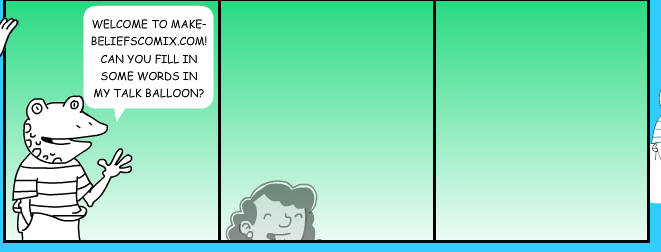 |
Make Believe Comic is a free comic strip creation tool that provides students with a variety of templates, characters, and prompts for building their own comic strips. Make Beliefs provides students with a pre-drawn characters and dialogue boxes which they can insert into each box of their comic strip. The editing options allow users the flexibility to alter the size of each character and dialogue bubble, bring elements forward within each box, and alter the sequence of each box in the comic strip. Students that have trouble starting a story can access writing prompts through make beliefs. Most impressively, Make Beliefs allows users to write their comic strip's dialogue in English, Spanish, French, German, Italian, Portuguese, or Latin. | ||||
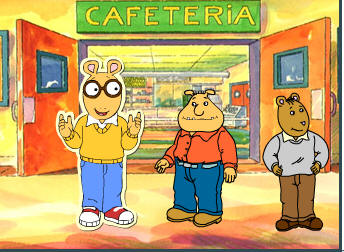 |
Comic Creator Arthur
This website will allow you to create many stories using
Arthur and his friends. It provides you with backgrounds, objects
and many characters. You may copy and print a hard copy using the
camera on Smart Notebook. You may also create a video using any of
the following:
|
|||||
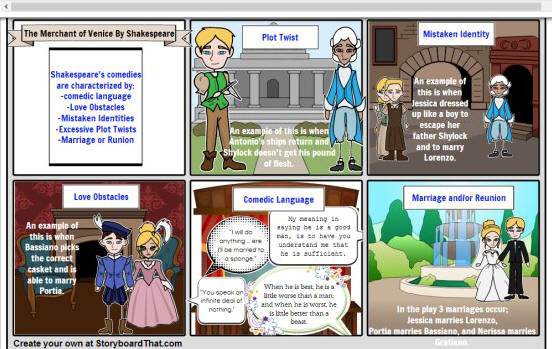 |
Story
Board Creator provides
templates in which you can create your stories in a comic strip style.
To help you create your story Storyboard That provides dozens of scenes,
characters, and text bubbles to fill your storyboard's frames. Each
element that you drag into your storyboard's frames can be re-sized,
rotated, and re-positioned. Storyboard That has free and paid plans. The
free plan allows you to create three and six frame stories. The free
plan also limits you to three storyboards per week. A paid classroom
account offers options for managing student accounts, limiting sharing
to classroom members only, and a classroom account offers more frames
per storyboard. Disclosure: Storyboard That is an advertiser |
|||||
 |
WITTY COMICS provides a simple platform that students can use to create two character dialogues. | |||||
 |
Artisan Cam Is more than just a comic creator, it is a comprehensive collection of online art activities. | |||||
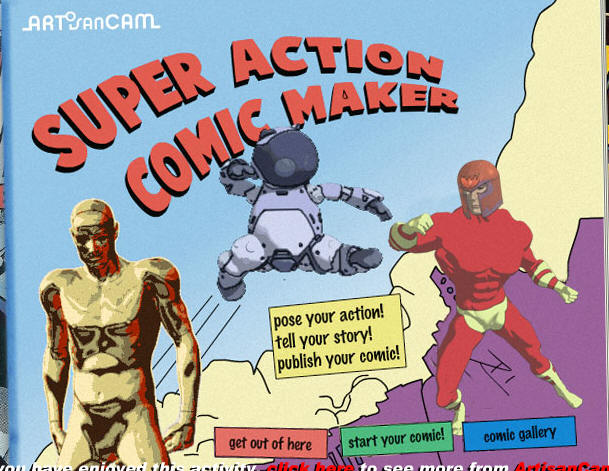 |
Comic Maker Build a six frame comic. The Super Action Comic Maker has a drag and drop interface which students use to select a background and character for their comics. | |||||
 |
Chogger Comic
Creator
Use our
comic builder to draw your own
comics, caption photos, take webcam
pictures and add speech balloons. Read,
rate, and comment on comics made by
people from all around the world.
|
|||||